
Voice to song
Read a few lines out loud. AI Singer clones the tone of your voice, writes a song about whatever you want, and sings it.


Your first song is free on iPhone and Android. 85,000+ songs created.
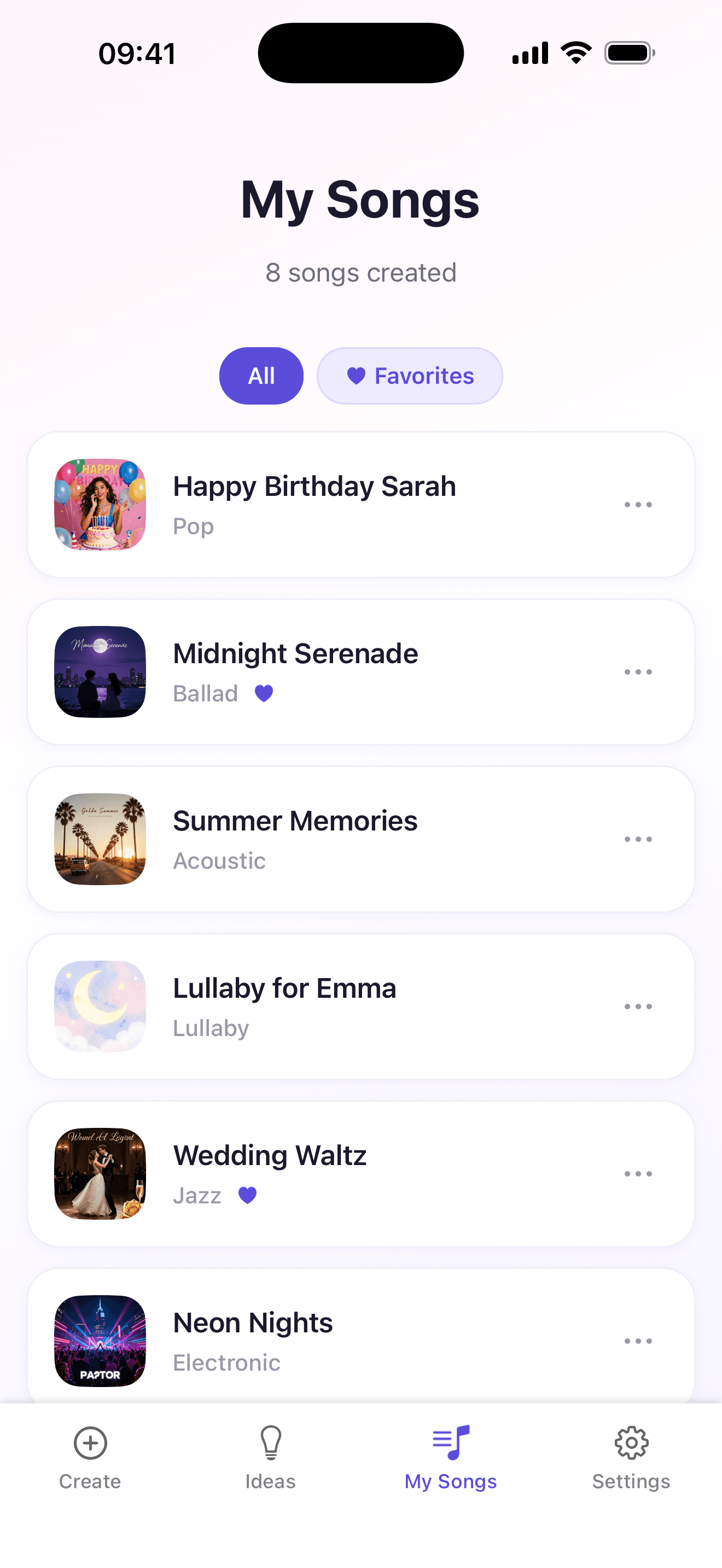
How to turn your voice into a song
- 1
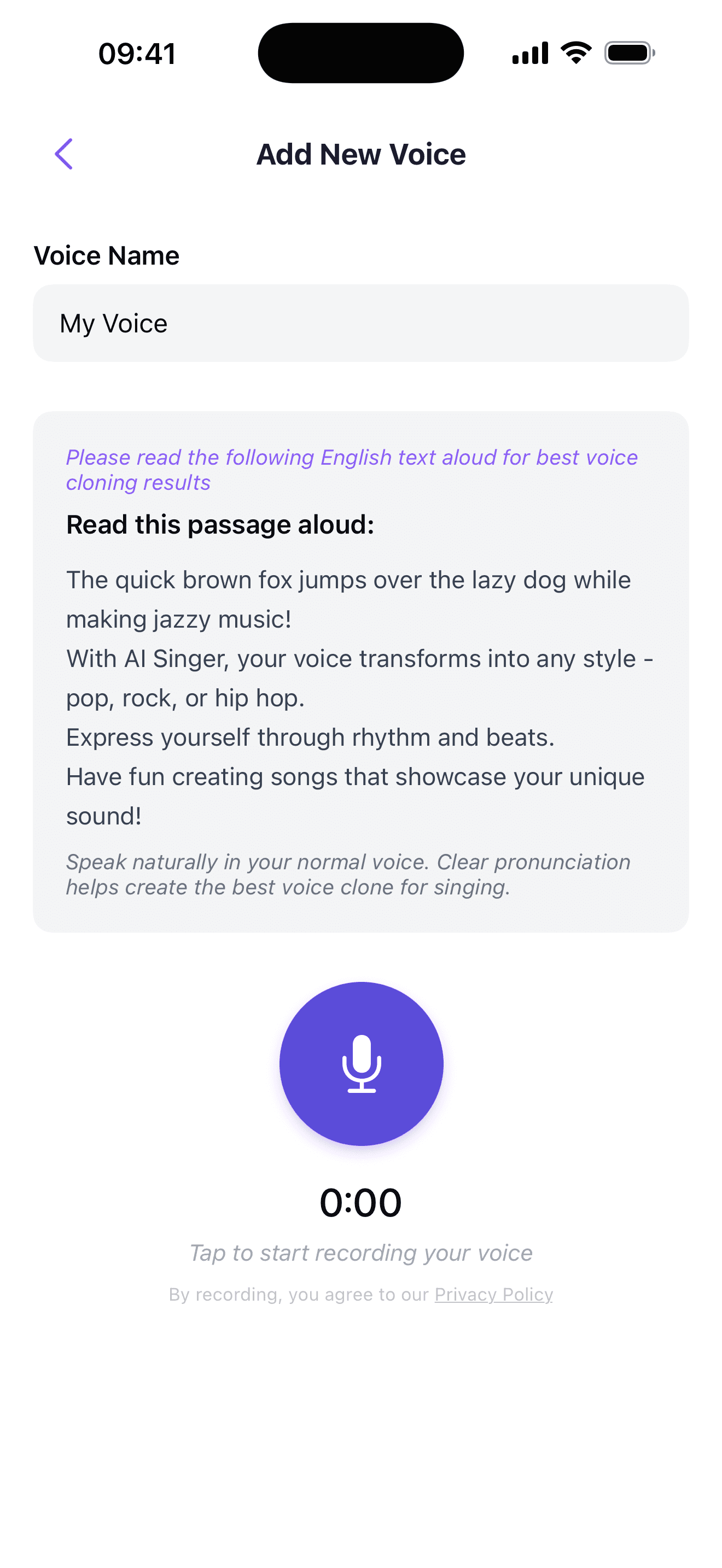
Read the passage
Open the app and read the short passage on screen in your normal speaking voice. At least 10 seconds, and no singing.
- 2
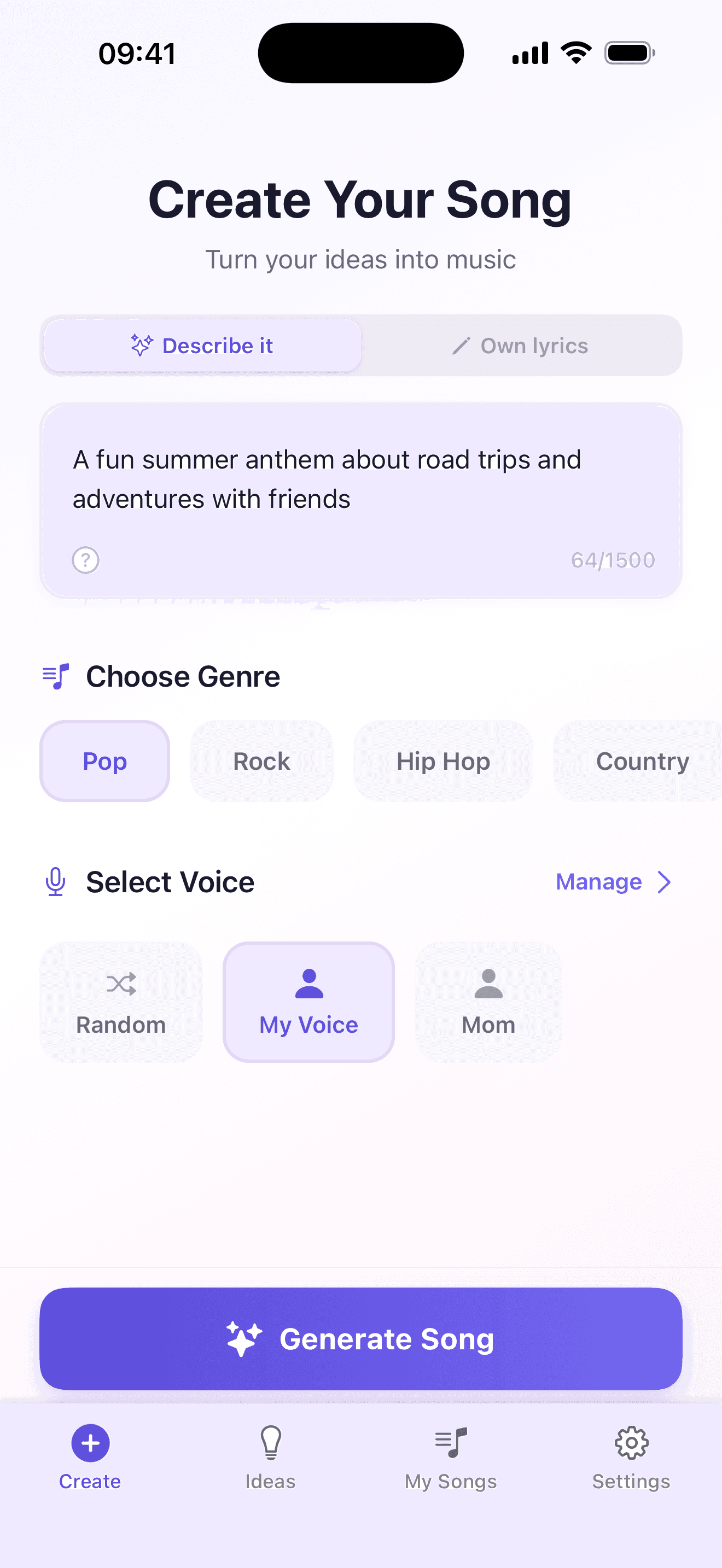
Describe your song
Say who it’s for and what should be in it, then pick a genre. Pop is free, and Pro opens 100+ genres.
- 3
Get your song
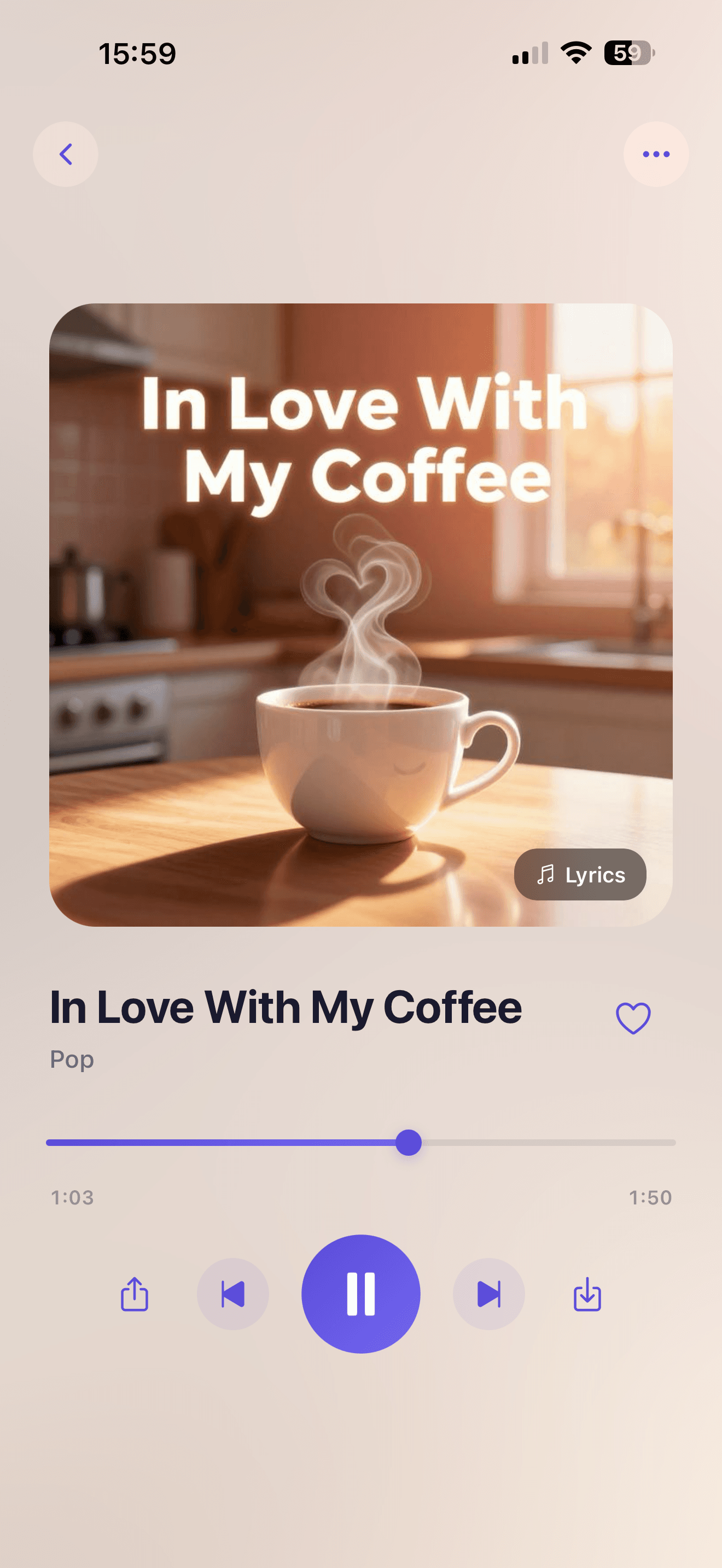
The app writes the lyrics and sings them. It usually takes 2 to 5 minutes. Then it’s in My Songs, ready to play or share.
Voice to song can mean three different things
The same words get used for very different tools. Here is what each one does.
| New song in your voice | Vocal swap | Recording over a beat | |
|---|---|---|---|
| You start with | New song in your voice: A short spoken recording and a song idea | Vocal swap: A vocal track someone already sang | Recording over a beat: A clip of you singing, talking or humming |
| You end up with | New song in your voice: An original song with new lyrics and music | Vocal swap: The same performance in a different voice | Recording over a beat: Your clip with music under it |
| Do you have to sing? | New song in your voice: No | Vocal swap: Someone does | Recording over a beat: It helps |
| Right for | New song in your voice: Gifts, jokes and hearing yourself sing | Vocal swap: Musicians with their own recordings | Recording over a beat: A quick laugh with a clip you already have |
AI Singer only does the first one. It isn’t a karaoke app, so every song it makes is new.
Before you record
Find a quiet room.
Turn off the TV and move away from other people talking. A closet full of clothes works well, because the fabric soaks up echo.
Hold the phone like a call.
About 6 to 8 inches from your mouth, not pressed against your face.
Talk the way you normally talk.
Use your normal volume and speak clearly. Don’t whisper, shout or perform.
People make birthday songs, love songs, lullabies, wedding songs, memorial songs and pet tributes.
Or start from a sound: country, R&B, hip-hop or every other genre.
Voice to song questions
Can I convert my voice to a song?
Yes. AI Singer clones the tone of your voice from a short spoken recording, then writes and generates an original song with it. You don’t sing anything. Songs usually take 2 to 5 minutes.
Can I add my voice to a song?
Not to a song that already exists. AI Singer makes original songs, so it can’t put your voice on a track you know. It can write a new song on any topic with your voice. To change the vocal on a recording you own, you need a vocal swap tool.
Is there a free app that can turn my voice into a song?
Yes. AI Singer is free to download on iPhone and Android, and your first song is free, with your cloned voice. The free song is pop, in English, and free users wait up to 30 seconds in a queue.
How do I turn a voice recording into a song?
You record inside the AI Singer app by reading a short passage, then describe the song and pick a genre. The app can’t use a recording you already have, such as a voice memo.
Do I need to be able to sing?
No. The app asks you to speak, not sing. The melody and pitch come from the AI.
Can I write my own lyrics?
Yes, with Pro. Switch to Own lyrics, add words you wrote yourself and lay them out with tags like [verse] and [chorus]. Without Pro, describe your idea and the app writes the lyrics.
What languages can the song be in?
The free song is in English. With Pro you can make songs in other languages.
Can I use someone else’s voice?
Only with their consent. Our terms allow your own voice, or a voice you have verifiable consent to use.
What happens to my recording?
It’s used to create your voice for your songs and is stored encrypted until you delete it. You can delete your voice and your songs in the app at any time.
What does Pro add?
More songs, 100+ genres, your own lyrics, other languages, up to 10 voices, MP3 downloads, no queue, and music videos: tap a lyric line, add a photo, and the app lip-syncs the song to you. Prices are in the app and vary by country.
Updated October 30, 2026, by the AI Singer team. More on how voice cloning works.
Your first song is free